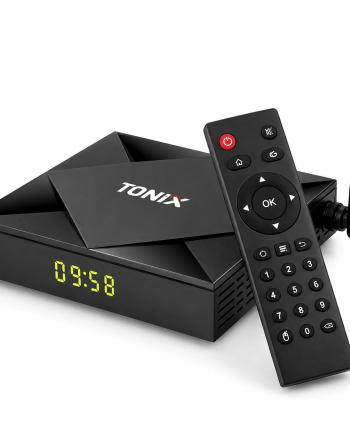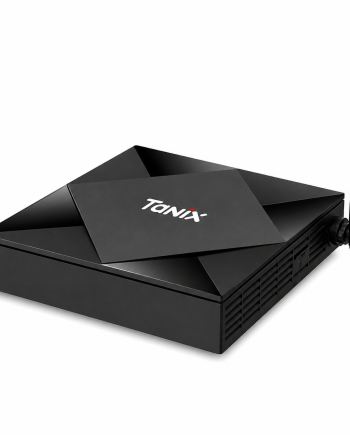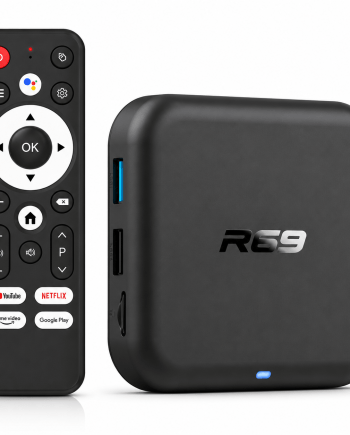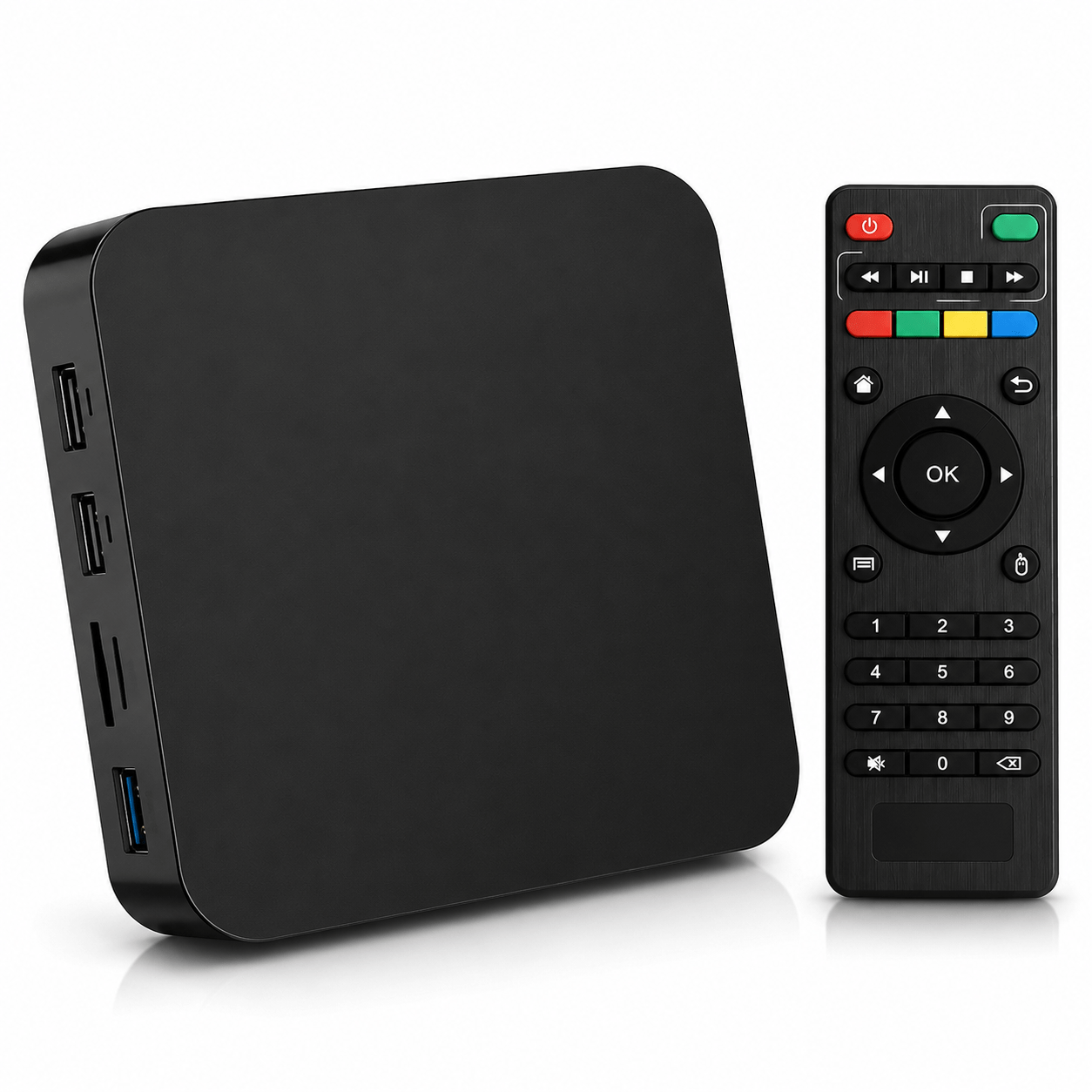
Description
The MXQ PRO 4K 5G Smart TV Box is an Android media player designed to turn a compatible TV into a connected entertainment center. It supports 4K video playback, dual-band 2.4 GHz/5 GHz Wi-Fi connectivity, and various types of media content, including 3D video depending on the file and app used.
- Product Type: Multimedia Box / Smart TV Box
- Model: MXQ PRO 4K 5G
- System: Android, version depends on configuration
- Supported resolution: Up to 4K UHD
- Wi-Fi: Dual-band 2.4 GHz / 5 GHz
- 3D Video: Support
- TV Connection: HDMI
- Wired network: RJ45 Ethernet
- Multimedia ports: USB, SD/MMC card reader (depending on model)
- Uses: Streaming, apps, video, music, and multimedia
4K Video Playback
The MXQ PRO is designed to support 4K Ultra HD video content. Some versions also support H.265/HEVC decoding, allowing for the playback of high-definition videos compatible with modern multimedia use.
Dual-band Wi-Fi: 2.4 GHz / 5 GHz
Dual Wi-Fi connectivity allows you to choose between the 2.4 GHz and 5 GHz bands depending on your router and network environment. The 5 GHz band may offer better performance when the device is close to the router, while the 2.4 GHz band generally provides greater range.
Android and Multimedia Features
Thanks to its Android operating system, the TV box can run a variety of compatible apps for playing videos, music, and other online content. It can also serve as a media player for files stored on a USB drive or a compatible memory card.
Versatile Connectivity
Depending on the model, the MXQ PRO features HDMI, USB, Ethernet, AV, SPDIF, and SD/MMC ports, allowing you to connect various multimedia devices and audio-video equipment.
Product Benefits
- Turns a compatible TV into an Android media center.
- Supports video up to 4K.
- Dual-band Wi-Fi: 2.4 GHz / 5 GHz.
- Compatible with various types of 3D content.
- Convenient HDMI connection.
- Ethernet connection available.
- USB ports for peripherals and storage devices.
- Compact design for unobtrusive installation.
How to Use the Product
Connect the MXQ PRO to your TV using an HDMI cable. Plug it in, then set up the Wi-Fi or Ethernet connection. Follow the on-screen instructions to complete the Android setup and install compatible apps.
Product Precautions
Use only with a compatible power supply. Install the device in a well-ventilated area. The availability of apps, streaming services, and certain resolutions depends on the installed software, the content provider, and the exact version of the TV box.