
Description
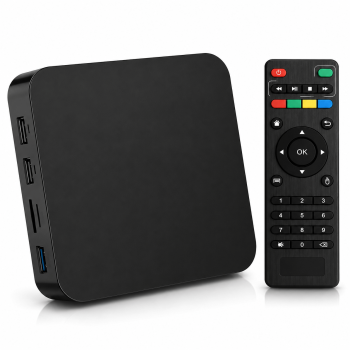
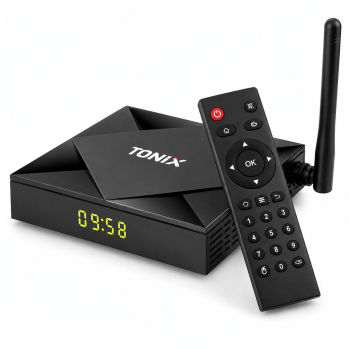
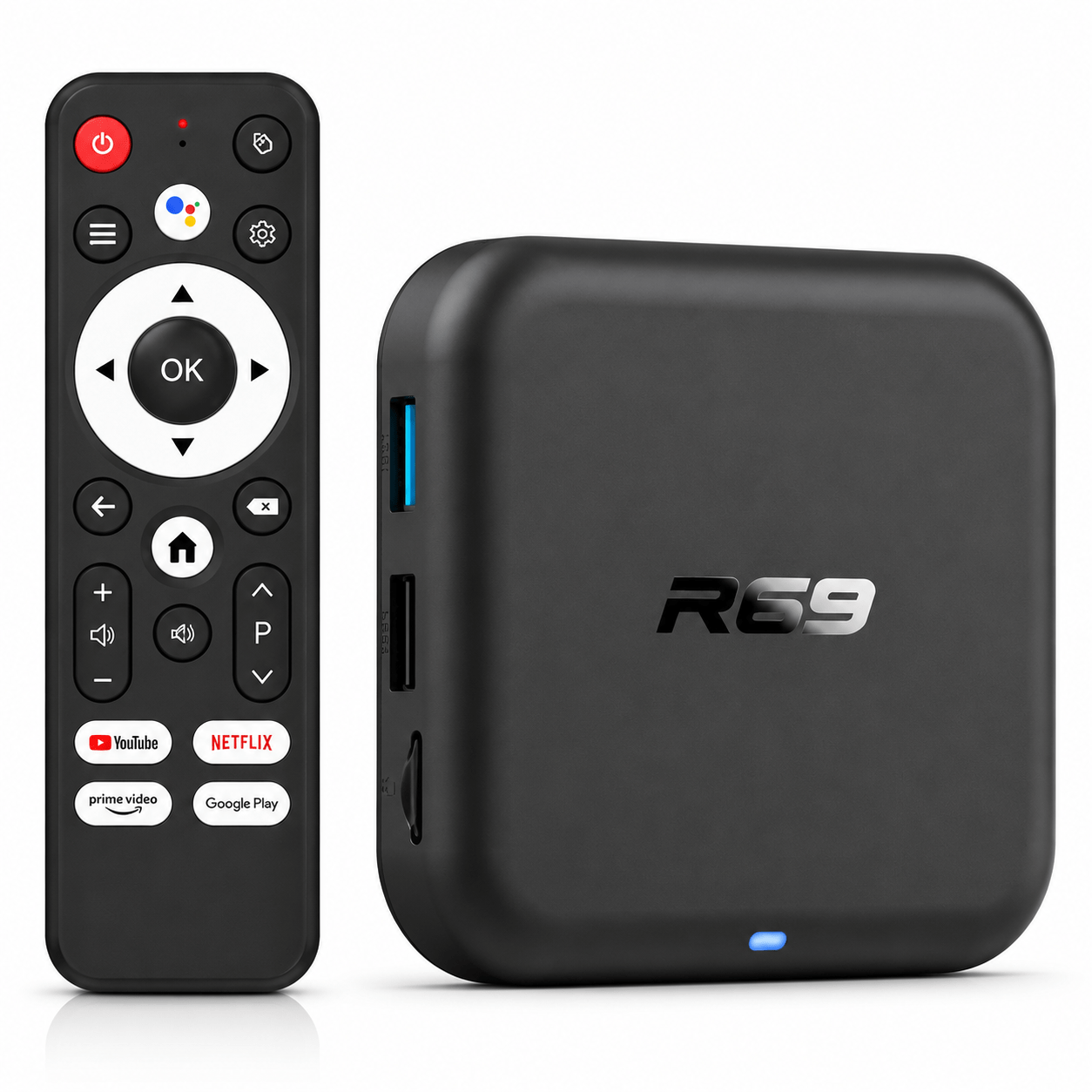
The R69 Rockchip RK3518 is an Android TV box designed to add multimedia and smart TV features to a compatible television. It features a Rockchip RK3518 quad-core processor and supports 4K Ultra HD video playback, HDR10, dual-band Wi-Fi, and Bluetooth, depending on the model configuration.
- Product Type: Android Smart TV Box
- Model: R69
- Processor: Rockchip RK3518 quad-core
- CPU Architecture: ARM Cortex-A53
- Supported video resolution: Up to 4K Ultra HD
- HDR: HDR10
- Wi-Fi: Dual-band 2.4 GHz / 5 GHz, Wi-Fi 6 depending on the model
- Bluetooth: Yes, depending on the version
- TV Connection: HDMI
- Uses: Streaming, Android apps, video, music, and multimedia
The RK3518 processor officially supports video decoding up to 4K at 60 frames per second, with 10-bit video and HDR-compatible HDMI 2.0 output.
Android and Apps
The R69 is sold with different versions of Android depending on the manufacturer and production batch. Recent versions of the RK3518 model, in particular, come with Android 14, allowing users to install compatible apps and use the TV as a connected multimedia platform.
4K HDR10 Video
Support for 4K video and HDR10 lets you enjoy compatible content with greater detail and an improved dynamic range, provided that the TV, the app, and the video source are also compatible.
Wireless Connectivity
Some versions of the R69 RK3518 feature dual-band 2.4 GHz/5 GHz Wi-Fi 6 as well as Bluetooth 5.0, making it easy to connect to your home network and compatible devices.
Product Benefits
- Turns a compatible TV into an Android media center.
- Rockchip RK3518 quad-core processor.
- Video playback up to 4K UHD.
- HDR10 support.
- Dual-band Wi-Fi, depending on the model.
- Bluetooth for compatible devices.
- Compatible with various Android apps.
- Compact and easy to install.
How to Use the Product
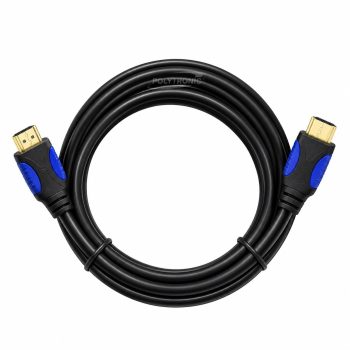
Connect the TV box to the TV using an HDMI cable. Plug in the power cord, then set up the Wi-Fi or Ethernet network, if available. Follow the on-screen instructions to complete the Android setup and install the apps you want.
Product Precautions
Use with a compatible power supply and leave enough space around the case to ensure proper ventilation. The exact memory capacity, Android version, Bluetooth, and Wi-Fi capabilities may vary depending on the retail version of the R69.