Description
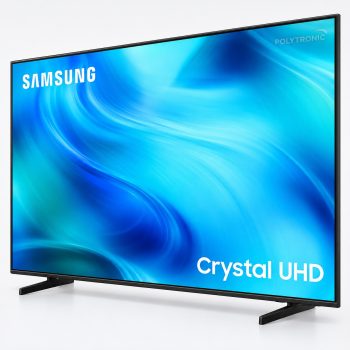
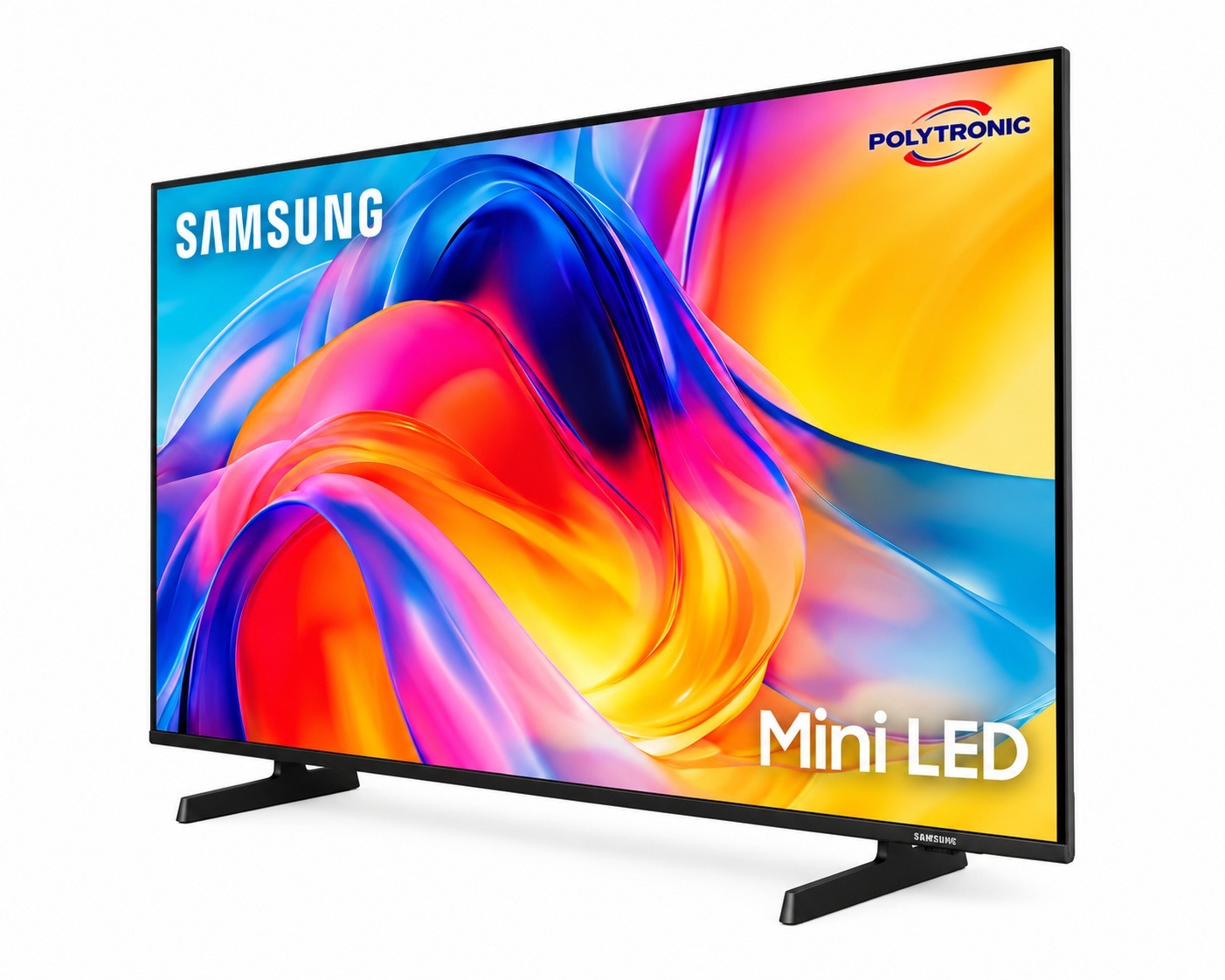
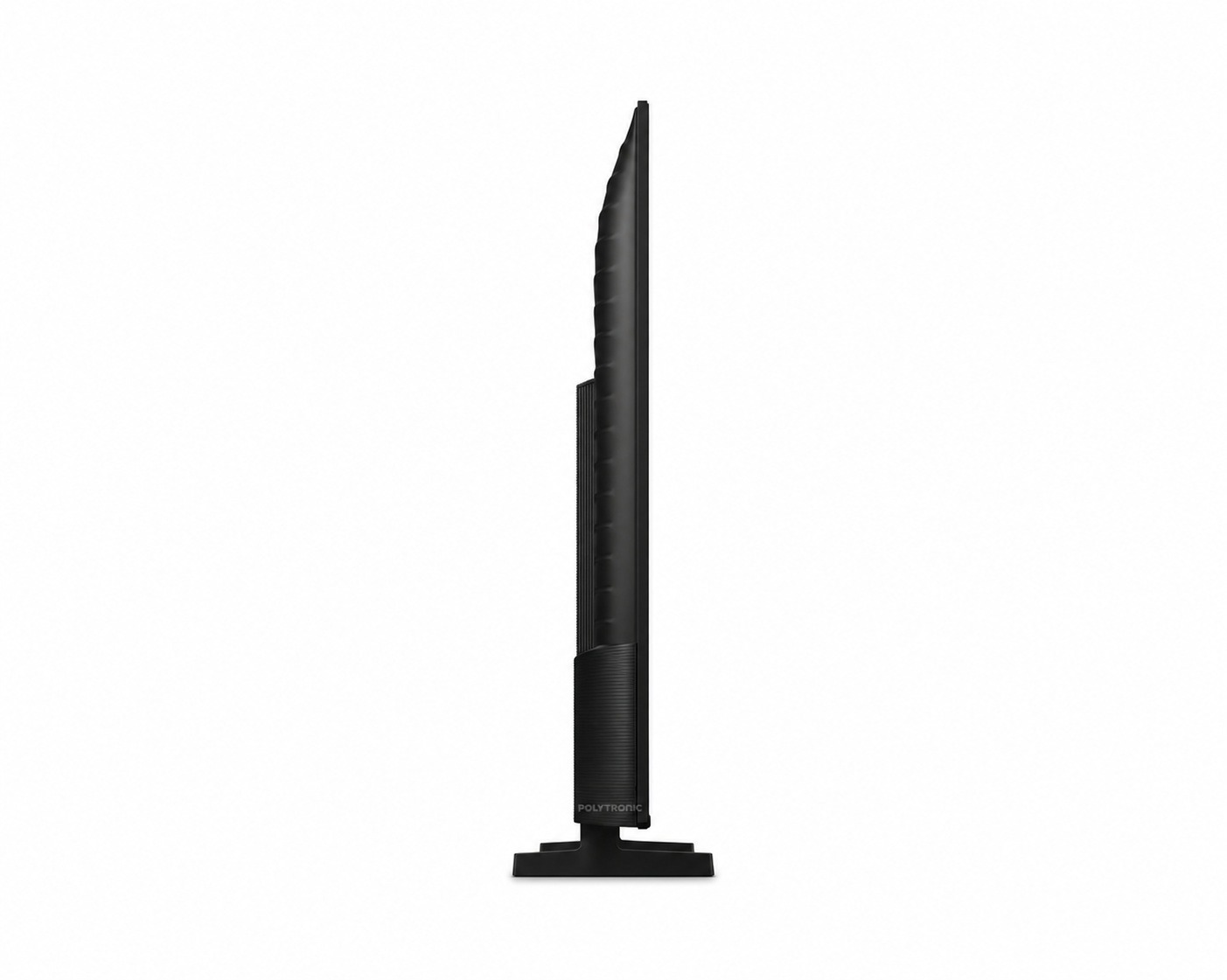
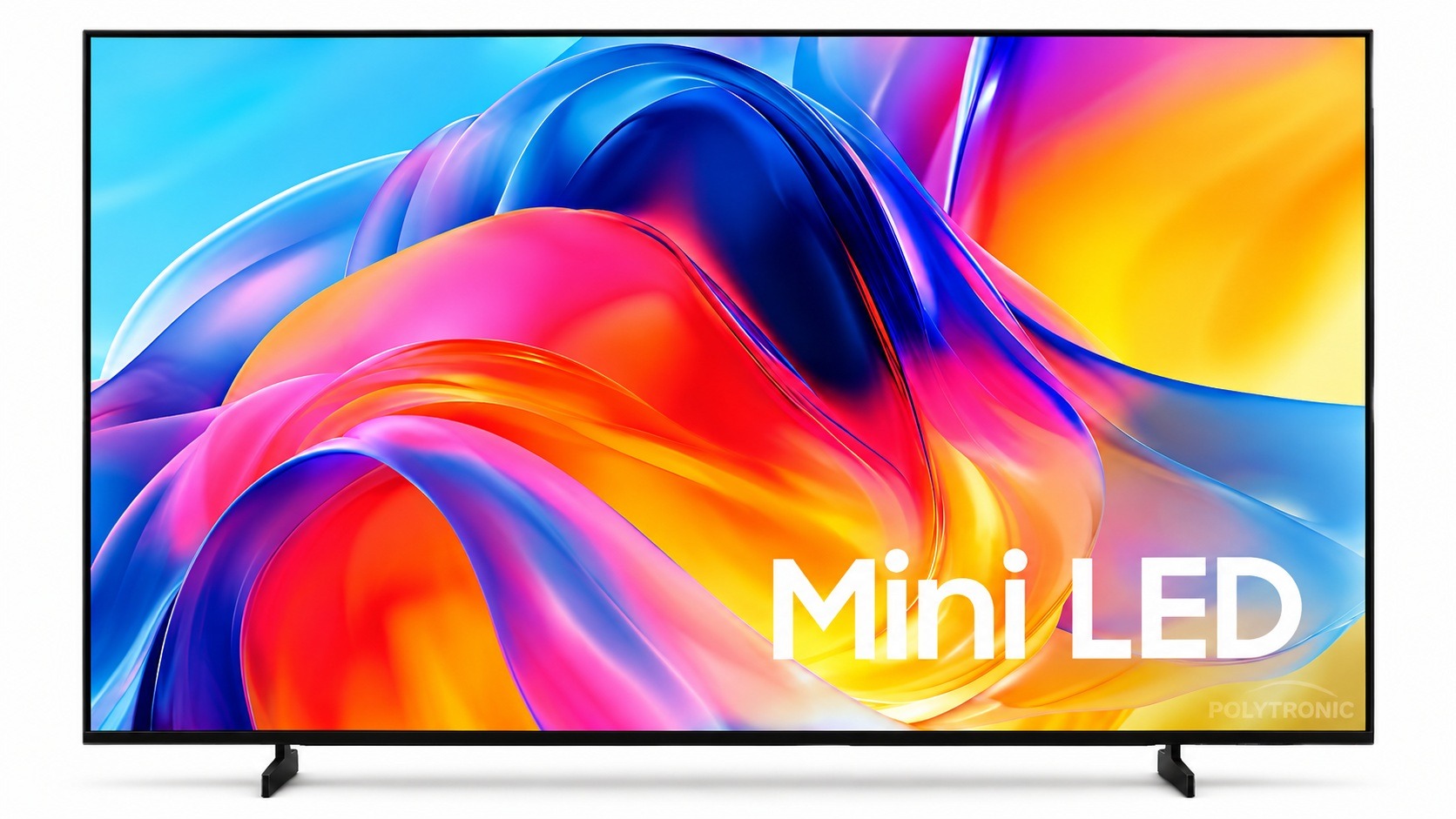
The Samsung M70H UN55M70HAF 55-inch 2026 is a 4K Mini LED smart TV designed to deliver detailed images, rich colors, and a modern viewing experience. Samsung has confirmed this model for the Canadian market under the part number UN55M70HAFXZC.
Its 55-inch screen uses Mini LED technology with the Pure Color Spectrum feature, which enhances color reproduction and detail accuracy. The TV also supports Mini LED HDR.
The M70H runs on Samsung's Tizen smart platform. It supports Samsung SmartThings, Amazon Alexa, Google Assistant, and Apple AirPlay 2, making it easy to access compatible content and devices.
Its audio system includes OTS Lite, Adaptive Sound, and Q-Symphony. These technologies adapt the sound to the content and work with certain compatible Samsung soundbars.
The TV offers a native refresh rate of 60 Hz in 4K. It also includes 3 HDMI inputs, one of which is eARC-compatible, as well as a USB port.
PRODUCT SUMMARY
- Product Type: Mini LED Smart TV
- Screen size: 55 in.
- Resolution: 4K UHD
- Display technology: Mini LED
- Smart Platform: Samsung Tizen
- HDR: Mini LED HDR
- Refresh rate: 60 Hz
- Connectivity: Bluetooth
- HDMI: 3 inputs
- USB: 1 input
- Compatibility: SmartThings, Alexa, Google Assistant, and Apple AirPlay 2
- Model: UN55M70HAF / UN55M70HAFXZC
- Year: 2026
- UPC: 198957276248
BENEFITS
- Offers 4K resolution for a detailed image.
- Uses Mini LED technology to improve brightness and color control.
- Enjoy Pure Color Spectrum technology.
- Provides access to Samsung Tizen smart features.
- Compatible with SmartThings and several smart home assistants and services.
- Includes 3 HDMI inputs for connecting various devices.
- Supports eARC for compatible audio devices.
- Includes OTS Lite, Adaptive Sound, and Q-Symphony.
PRODUCT USE
Install the TV on its stand or on a compatible wall mount.
Connect the TV to the Internet to access smart features and compatible apps.
Connect game consoles, media players, or audio devices to the available HDMI inputs.
Follow the on-screen instructions during the initial setup of Samsung Tizen.
PRODUCT PRECAUTIONS
- Place the TV on a stable surface.
- Avoid exposure to water and excessive moisture.
- Do not block the ventilation openings.
- Use an appropriate power supply.
- Unplug the appliance before cleaning it.
- Follow the manufacturer's instructions for wall mounting.