
Description
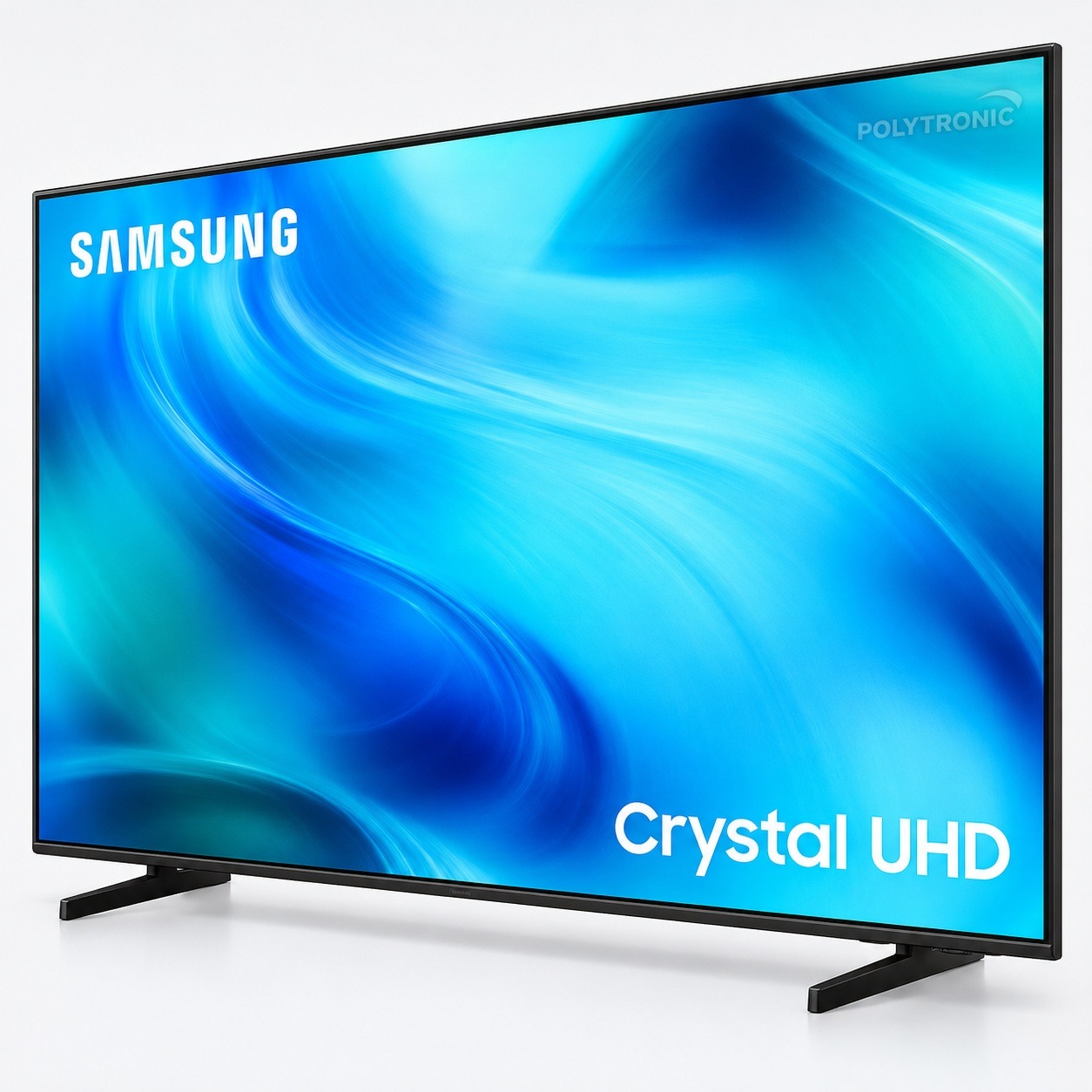
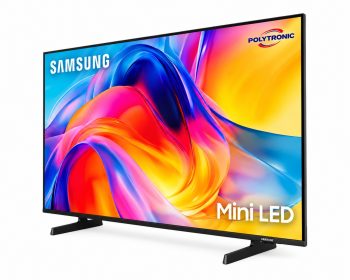
The Samsung UN65U8000HFXZC is a 65-inch Crystal UHD 4K smart TV from the 2026 U8000H series. It combines a resolution of 3840 × 2160 with the Tizen smart system and Samsung Vision AI features.
Its 4K Crystal Processor optimizes the picture and supports 4K upscaling. In addition, the TV features HDR, HDR10+, Mega Contrast, Contrast Enhancer, and Motion Xcelerator to enhance detail, contrast, and picture smoothness.
The Tizen Smart TV platform provides access to smart features, Samsung TV Plus, the web browser, and various compatible services. The TV also supports Apple AirPlay, Google Cast, and Samsung Vision AI Companion.
For video games, this model offers a 60 Hz refresh rate and supports ALLM, VRR, and HGiG. It also includes Samsung's Gaming Hub.
The 20-watt, 2-channel audio system includes Object Tracking Sound Lite and Q-Symphony. The latter allows you to synchronize the TV's audio with certain compatible Samsung soundbars.
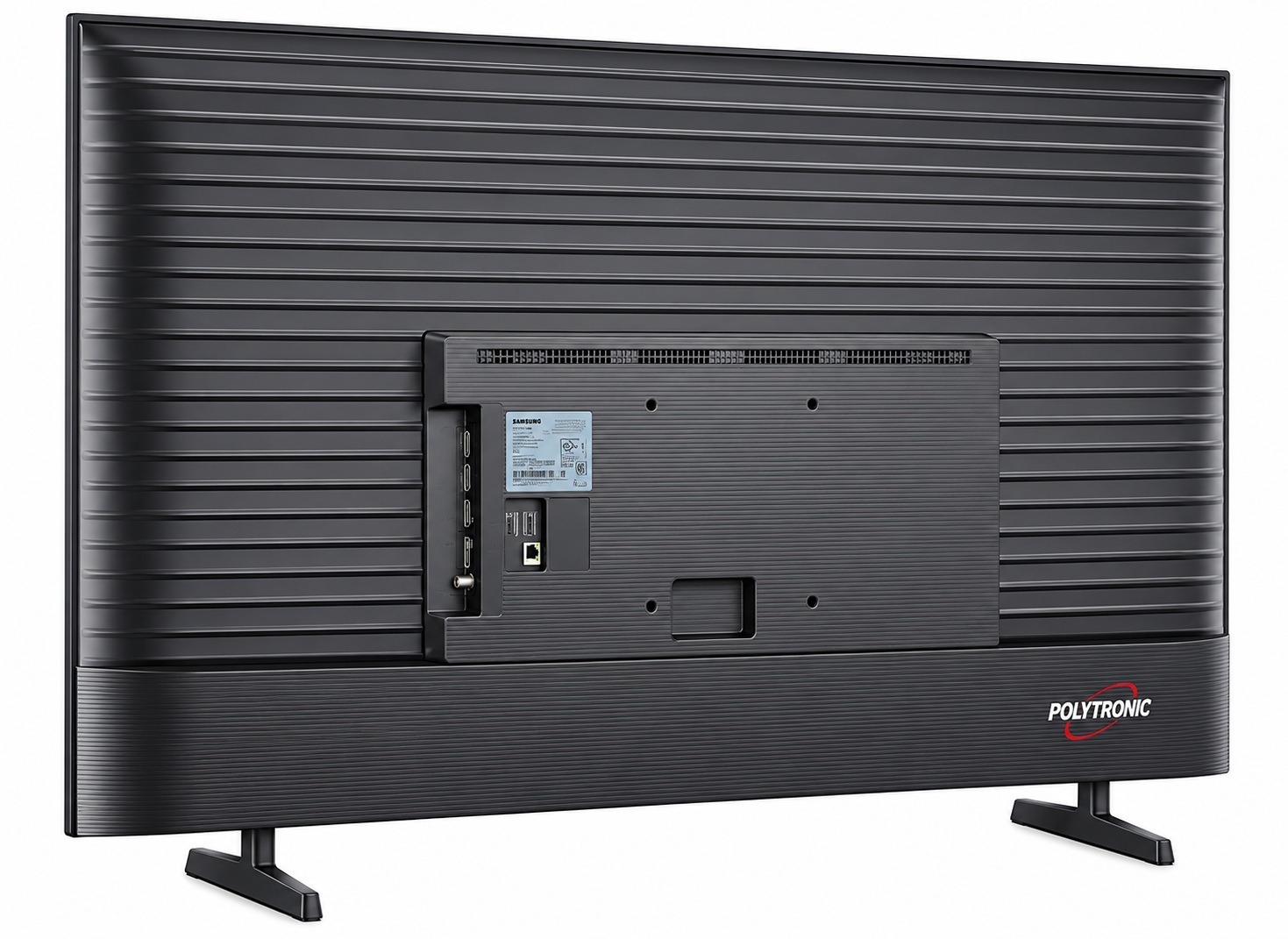
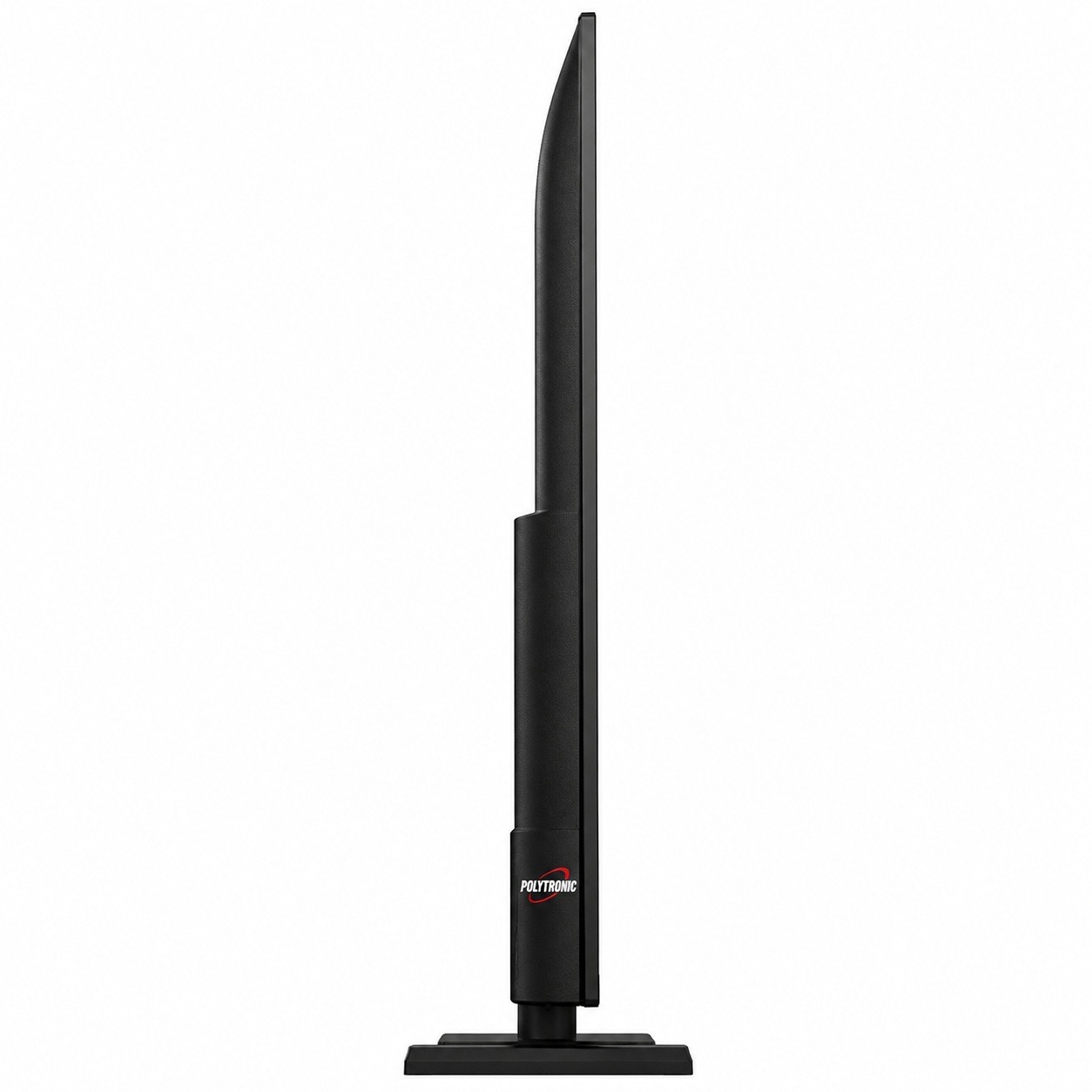
Finally, its MetalStream design with a slim bezel on three sides gives it a sleek, modern look. It features 3 HDMI ports, a USB-A port, Wi-Fi 5, Bluetooth 5.3, and an Ethernet connection.
Product Summary
- Product Type: Crystal UHD 4K LED Smart TV
- Screen size: 65 in.
- Resolution: 3840 × 2160
- Series: U8000H
- Processor: 4K Crystal Processor
- HDR: HDR and HDR10+
- Smart System: Tizen Smart TV
- Smart Feature: Samsung Vision AI
- Refresh rate: 60 Hz
- Game: ALLM, VRR, HGiG, and Gaming Hub
- Audio: 20 W, 2 channels
- Connectivity: Wi-Fi 5 and Bluetooth 5.3
- HDMI: 3
- USB: 1 USB-A port
- Model: UN65U8000HFXZC
- Year: 2026
- UPC: 198957276439
Key features
- 65-inch Crystal UHD 4K LED TV
- Resolution 3840 × 2160.
- 4K Crystal Processor.
- Samsung Vision AI.
- 4K upscaling.
- HDR and HDR10+.
- Motion Xcelerator.
- Filmmaker Mode.
- Tizen Smart TV.
- Samsung TV Plus.
- Apple AirPlay and Google Cast.
- Object Tracking Sound Lite.
- Q-Symphony.
- ALLM, VRR, and HGiG.
- 3 HDMI inputs.
- Wi-Fi 5 and Bluetooth 5.3.
How to Use the Product
Set up the TV on its stand or on a compatible wall mount.
Connect the desired devices to the HDMI or USB ports. Then, connect the TV to the Wi-Fi or Ethernet network to access smart features and compatible apps.
Follow the on-screen instructions during the initial setup.
Product Precautions
- Place the TV on a stable surface.
- Ensure there is adequate ventilation around the appliance.
- Avoid exposure to moisture and splashes.
- Use a compatible wall mount if necessary.
- Follow the installation and maintenance instructions provided by Samsung.

Opinions
There are currently no product reviews.